SubZI - video subtitles studio
I built SubZI to bring the main steps of subtitle creation into one workflow: upload a video, generate subtitles, edit.
README
SubZI : AI Video Subtitle Studio
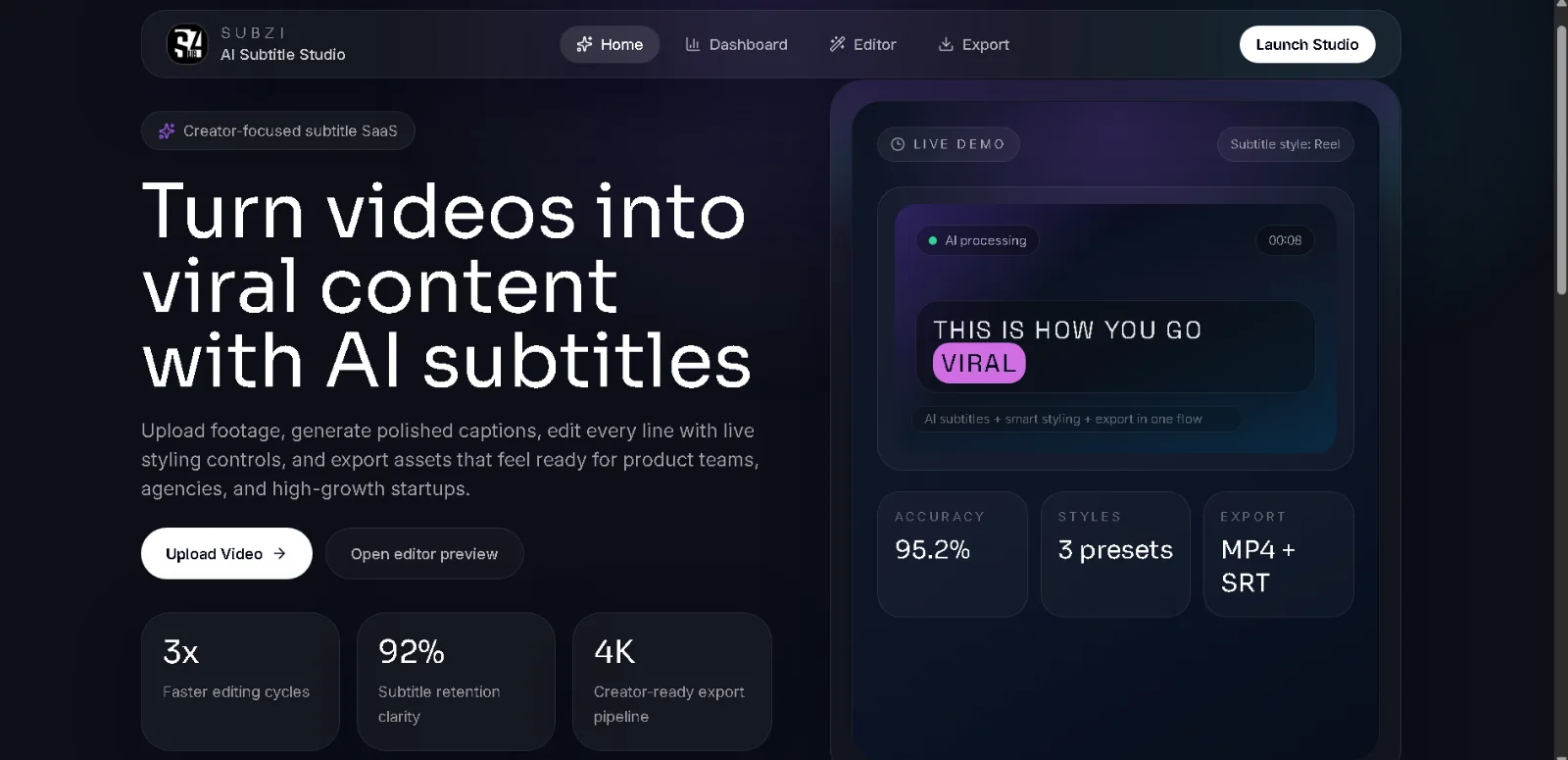
SubZI is a web-based video subtitling tool that turns spoken audio into editable subtitles and exports videos with captions embedded directly into the footage.
I built SubZI to bring the main steps of subtitle creation into one workflow: upload a video, generate subtitles, edit the transcript, review timing, customize the appearance, and export the final result.
Features
- Automatic transcription: Generate subtitles from video audio using Gemini, Groq Whisper, or local OpenAI Whisper, depending on the configured providers and fallback path.
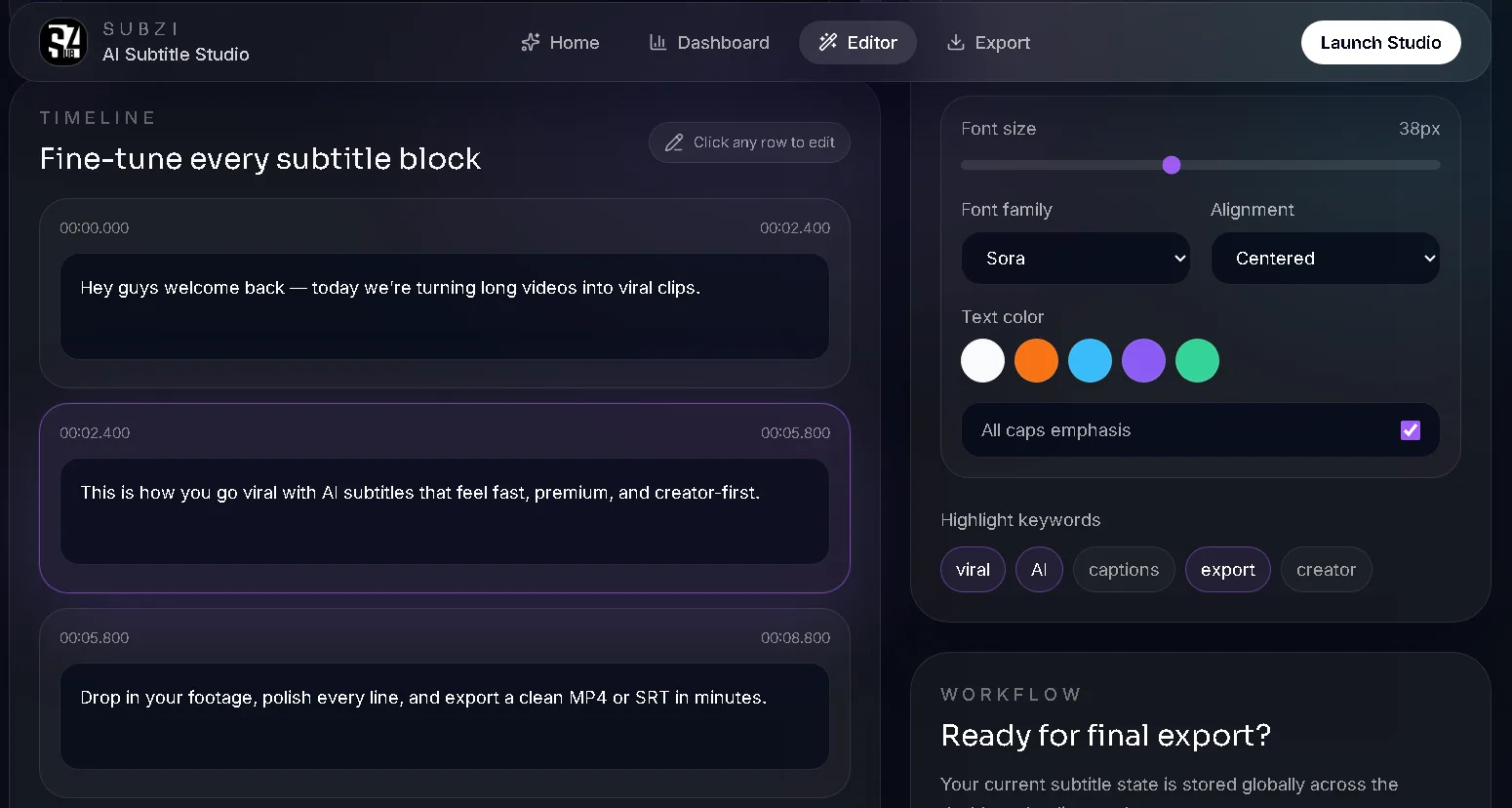
- Subtitle editing: Review and correct generated subtitle text in a timeline-based editor. Timestamps are shown but are not currently editable in the UI.
- Language support: Select a source language, choose a target language, and generate translated subtitles.
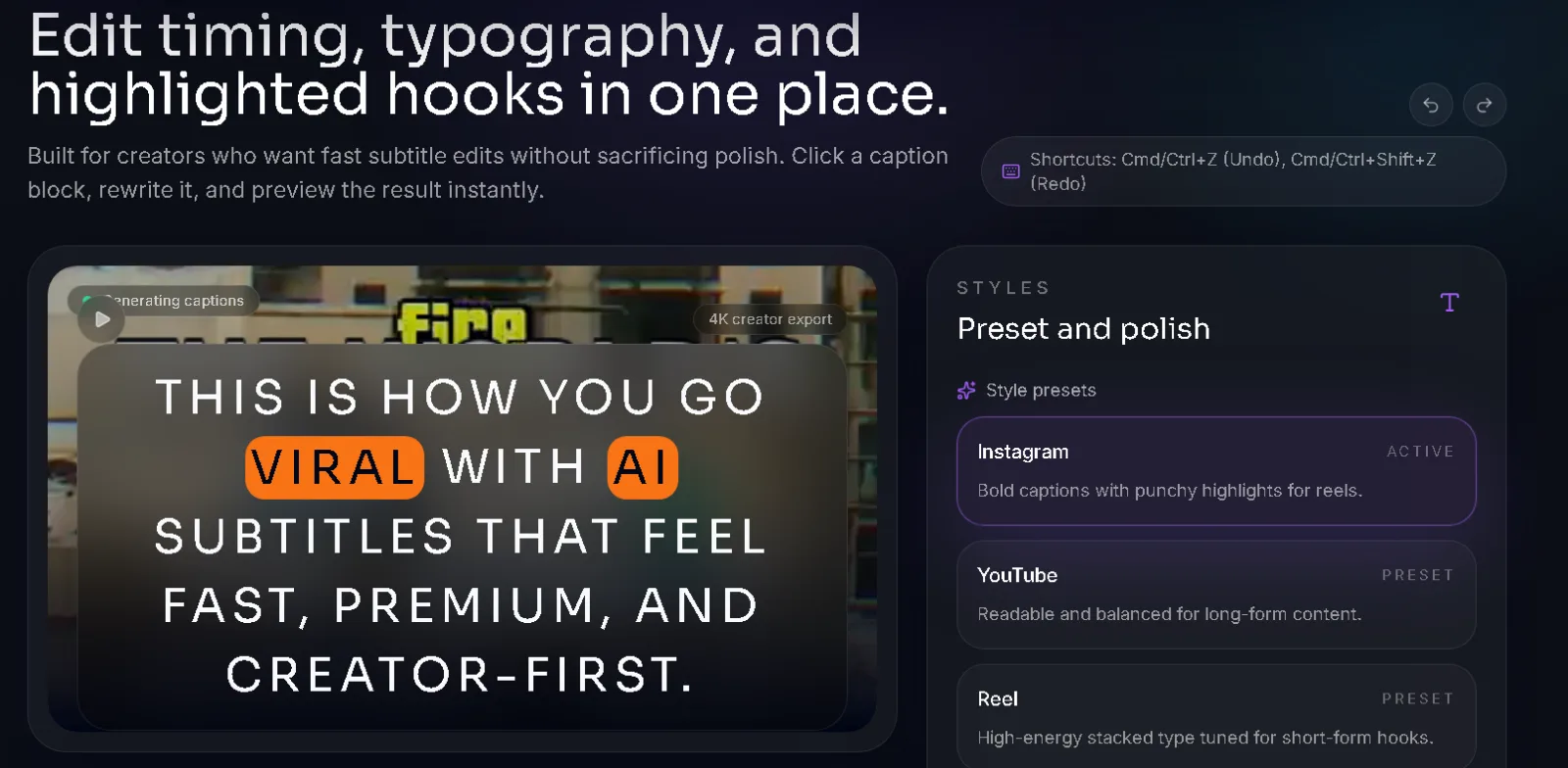
- Caption styling: Customize typography, color, alignment, capitalization, keyword highlighting in the preview, and caption presets.
- Multiple export formats: Download SRT and VTT subtitle files or export an MP4 with captions burned into the video.
- Background processing: Use BullMQ and Redis for queued subtitle-generation jobs when Redis is configured.
- Job tracking: Store job metadata, processing status, and progress in MongoDB when configured; otherwise use an in-memory fallback.
- Subtitle refinement: Backend glossary and correction endpoints are implemented. The Context Studio UI components are present but are not currently connected to an application page.
How it works
A typical video passes through the following stages:
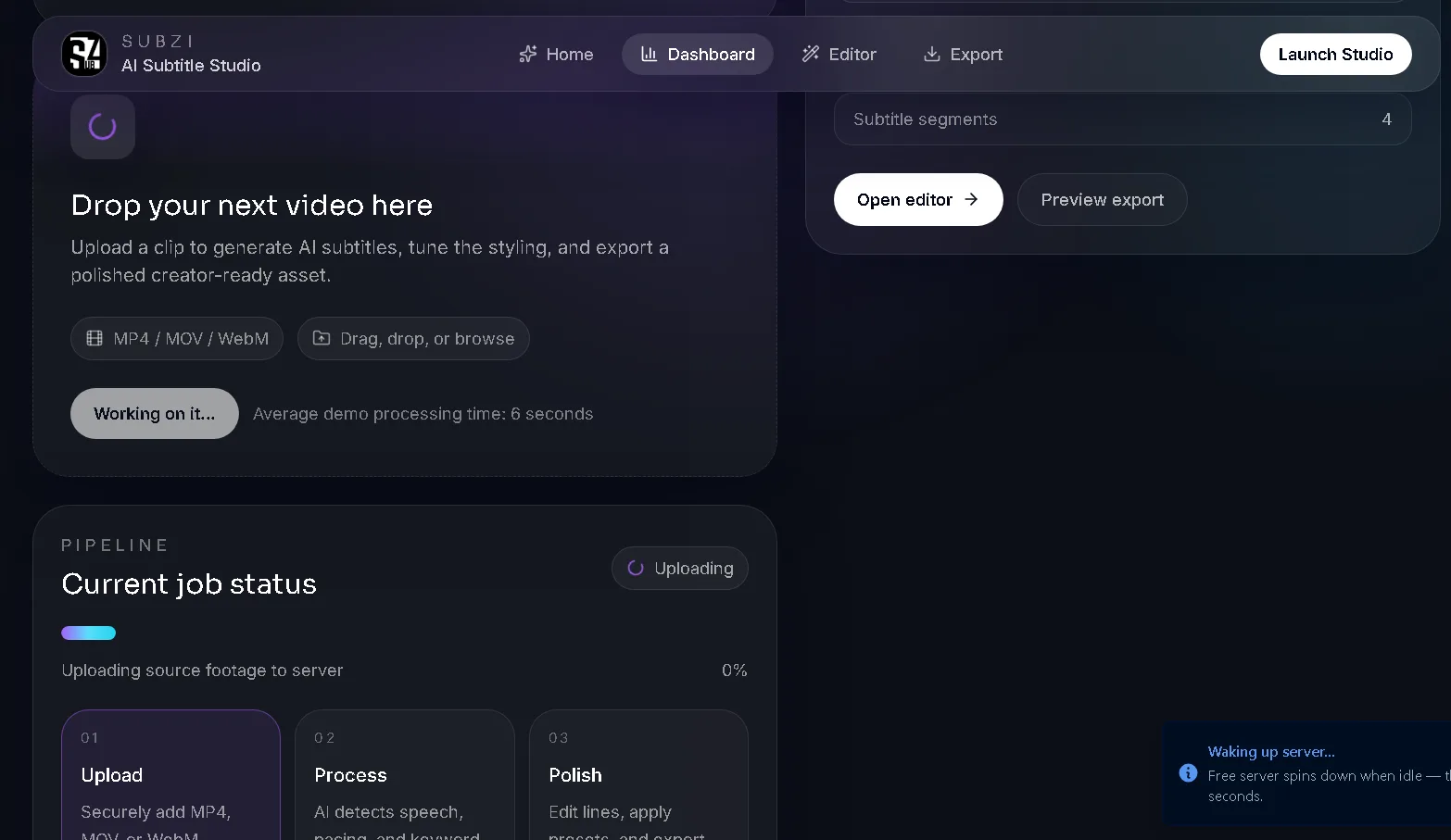
- Upload: The frontend sends the video and selected options to the Express API.
- Create a job: The backend creates a job record in MongoDB when available (otherwise in memory) and schedules subtitle generation.
- Extract audio: FFmpeg prepares the audio for transcription.
- Generate subtitles: The transcription service tries providers according to the requested model and available API keys. Local Whisper can be used as a fallback when Python dependencies are installed.
- Format and save: The backend generates subtitle files and updates the job status and progress.
- Edit: The user reviews and edits subtitle text and applies styling in the web editor. The timeline displays timestamps, but the current UI does not let users change them.
- Render: FFmpeg combines the video with the styled subtitle track to produce a subtitled MP4.
- Download: The backend serves the finished video or subtitle files.
Technology stack
| Component | Technologies | Purpose |
|---|---|---|
| Frontend | React, TypeScript, Vite, React Router | Browser UI and build tooling |
| Styling and UI | Tailwind CSS, Radix UI | Responsive styling and reusable controls |
| Client state | Zustand | Shared in-browser editor and upload state |
| Backend | Node.js, Express, TypeScript | REST API and job orchestration |
| Database | MongoDB, Mongoose (optional) | Persistent job and glossary records |
| Background jobs | BullMQ, Redis (optional) | Queued subtitle-generation jobs |
| Transcription | Google Gemini, Groq Whisper, local OpenAI Whisper | Speech recognition and provider fallback |
| Media processing | FFmpeg | Audio extraction and MP4 subtitle rendering |
| Translation | Provider-specific translation plus deep-translator for local Whisper |
Translation support where configured |
| Deployment | Vercel, Render, Docker | Frontend hosting and backend container deployment |
Project structure
The application lives inside vid-sub-engine/, with separate frontend and backend directories.
SubZI/
├── README.md
├── render.yaml
└── vid-sub-engine/
    ├── frontend/
    │   ├── client/
    │   │   ├── components/
    │   │   ├── pages/
    │   │   └── lib/
    │   ├── shared/
    │   ├── .env.example
    │   └── package.json
    │
    └── backend/
        ├── src/
        │   ├── app.ts
        │   ├── config/
        │   ├── controllers/
        │   ├── routes/
        │   ├── services/
        │   ├── workers/
        │   ├── queue/
        │   └── utils/
        ├── tests/
        ├── Dockerfile
        ├── requirements.txt
        └── package.json
Note: This is a high-level view of the main directories, not an exhaustive listing of every file.
Backend responsibilities
app.ts: Initializes Express, configures middleware and routes, connects services, and starts the server.routes/: Defines API endpoints.controllers/: Handles HTTP requests, validates inputs, and coordinates application logic.services/: Contains transcription and media-processing logic.workers/andqueue/: Manage background job execution and queue integration.utils/: Handles job persistence, subtitle formatting, configuration, and supporting utilities. The Mongoose job schema is inutils/subtitleJobModel.ts.tests/: Contains automated tests for selected backend behavior.
Local development
Prerequisites
Install Node.js, Python, and FFmpeg. Docker is useful for running local services. Configure MongoDB and Redis, or use the application's supported fallback modes where appropriate.
1. Clone the repository
git clone https://github.com/ashh106/SubZI.git
cd SubZI
2. Configure the backend
cd vid-sub-engine/backend
npm install
Create a local environment file using .env.example as a reference. Configure the database connection, Redis connection, API keys, and other required settings. Never commit real credentials.
Install the Python dependencies required by the selected local transcription pipeline and ensure FFmpeg is available in the environment.
Build and run the backend:
npm run build
npm start
Use npm run dev if you want to run the development server.
3. Configure the frontend
In a separate terminal:
cd vid-sub-engine/frontend
npm install
Set VITE_API_URL in the frontend's local environment file to your backend URL. For local development, this is typically http://localhost:5000.
Start the frontend:
npm run dev
Open the local URL printed by Vite in your terminal.
4. Run backend tests
From the backend directory:
npm test
Build the backend before deployment:
npm run build
Deployment
SubZI uses separate deployments for the frontend and backend.
- Frontend — Vercel: Hosts the React application. Set
VITE_API_URLto the deployed backend URL before building the production frontend. - Backend — Render: Runs the Express API and the configured background-processing components.
- Database — MongoDB Atlas: Stores job metadata and processing state.
- Queue — Redis: Supports BullMQ-based background jobs when correctly configured.
- Containerization — Docker: Packages the backend runtime and its media-processing dependencies.
The backend exposes a health endpoint at
/health, which reports application status and which transcription providers are configured.
Environment variables
Configure secrets in the hosting provider's environment settings rather than committing them to Git.
| Variable | Purpose |
|---|---|
MONGO_URI |
MongoDB connection string |
REDIS_URL |
Optional Redis connection URL for BullMQ |
GEMINI_API_KEY |
Optional Gemini API authentication |
GROQ_API_KEY |
Optional Groq API authentication |
VITE_API_URL |
Backend URL used by the frontend build |
CORS_ORIGIN |
Backend CORS configuration |
MAX_FILE_SIZE_MB |
Upload size limit |
UPLOADS_DIR |
Directory used for uploaded and generated files |
Refer to the environment examples and backend configuration for the complete list of supported settings.
Testing and troubleshooting
The backend includes automated tests for selected request-validation behavior. Additional integration and end-to-end tests would improve coverage of the complete video-processing pipeline.
Useful manual checks include:
- Verify
/healthbefore testing the frontend. - Check job status through
GET /api/upload/:fileId/status. - Confirm that SRT and VTT downloads work after transcription.
- Test MP4 export through
POST /api/upload/:fileId/burnand retrieve the result throughGET /api/upload/:fileId/burned. - Inspect Render logs when jobs remain queued or rendering fails.
- Check the browser Network and Console panels when the frontend cannot communicate with the backend.
Current limitations
- Free hosting resources can make transcription and video rendering slow.
- Local Whisper requires Python dependencies and can consume substantial CPU and memory.
- The editor currently changes subtitle text but does not provide controls for editing cue timestamps.
- The current frontend does not expose the backend glossary/RAG endpoints as a mounted Context Studio workflow.
- Keyword highlighting is shown in the browser preview; the FFmpeg burn currently applies basic subtitle styling rather than the preview's per-keyword highlight colors.
- Editor state is held in the browser and is not restored after a page refresh. The backend has a save-edited-subtitles endpoint, but the current editor flow does not call it.
- Render's temporary filesystem is not persistent, so uploaded videos and generated files may disappear after a restart or redeployment.
- Without Redis, the fallback queue runs in-process and cannot recover queued jobs after a server restart. MongoDB also falls back to process memory when not connected.
- Automated tests currently cover only selected backend behavior; the complete upload-to-export workflow still needs broader test coverage.
Future improvements
- Store uploaded and generated videos in persistent object storage.
- Add end-to-end tests for upload, transcription, editing, and export.
- Improve job cancellation, retries, and recovery after worker failures.
- Add better processing logs and error messages.
- Optimize large frontend bundles and improve mobile editing.
- Expand subtitle-quality checks and translation review.
- Add authentication, user-specific job history, and usage limits.
Author
Aashutosh Bharti
GitHub: @ashh106
SubZI is a personal full-stack project focused on AI-assisted transcription, asynchronous processing, and browser-based video editing.
Journey
No updates yet.