










Last night Oct 20 2026, midnight, cant sleep so i scrolled YT searching for any AI tips. Then I stumbled on a video showcasing his "AI brain". I kinda intrigued and I tot it's awesome. Then I prompted Claude to make a new one for me. But I wanted the app to be flexible, and anyone can use it - hence the idea of vscode extension. App will just observed your workspace and turn it into a live map of your AI
Gabriel Prince Murillo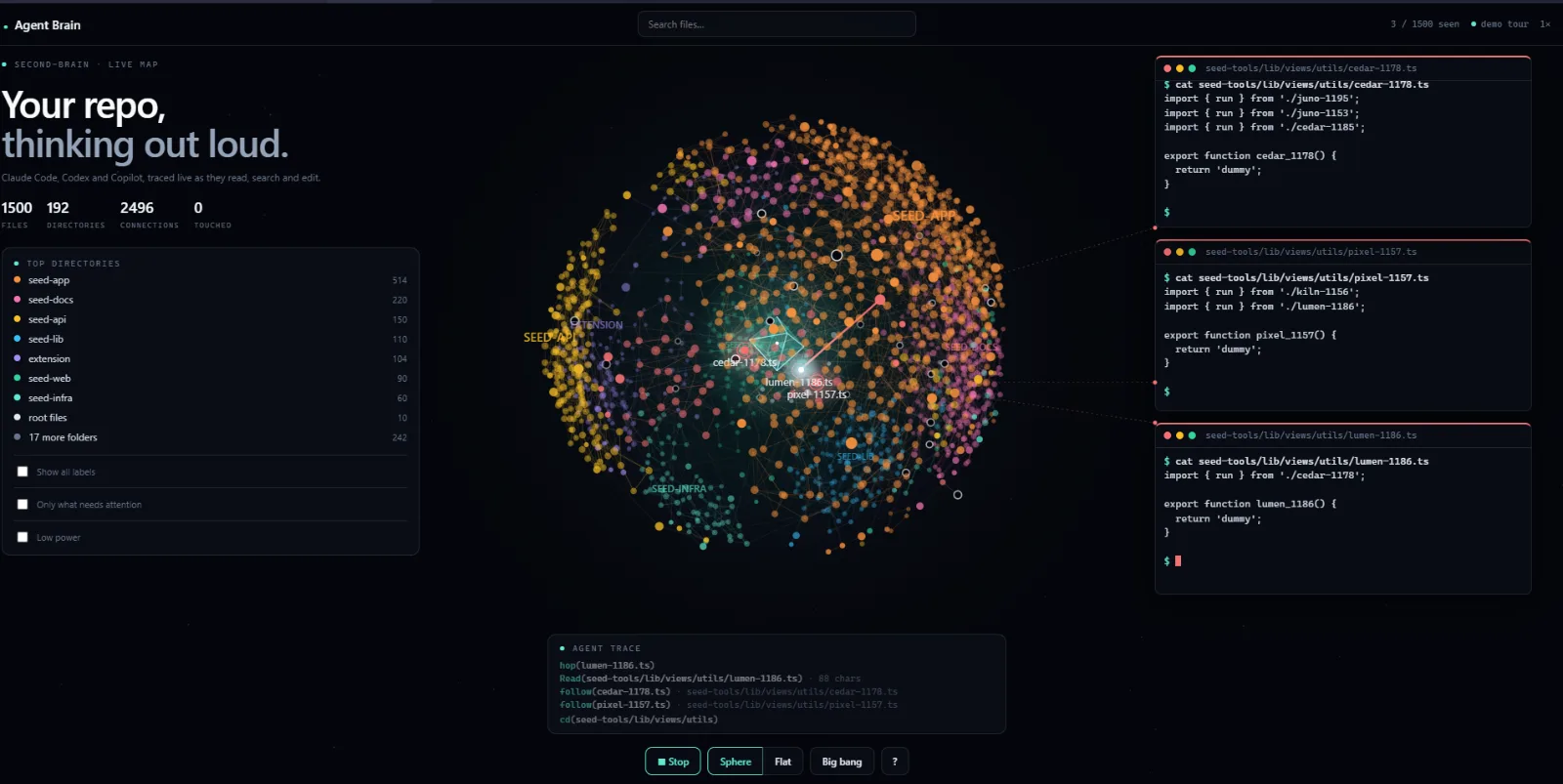
 1 / 2
1 / 2
🚀
Agent Brain - VS Code Extension
BuildingFreeOther
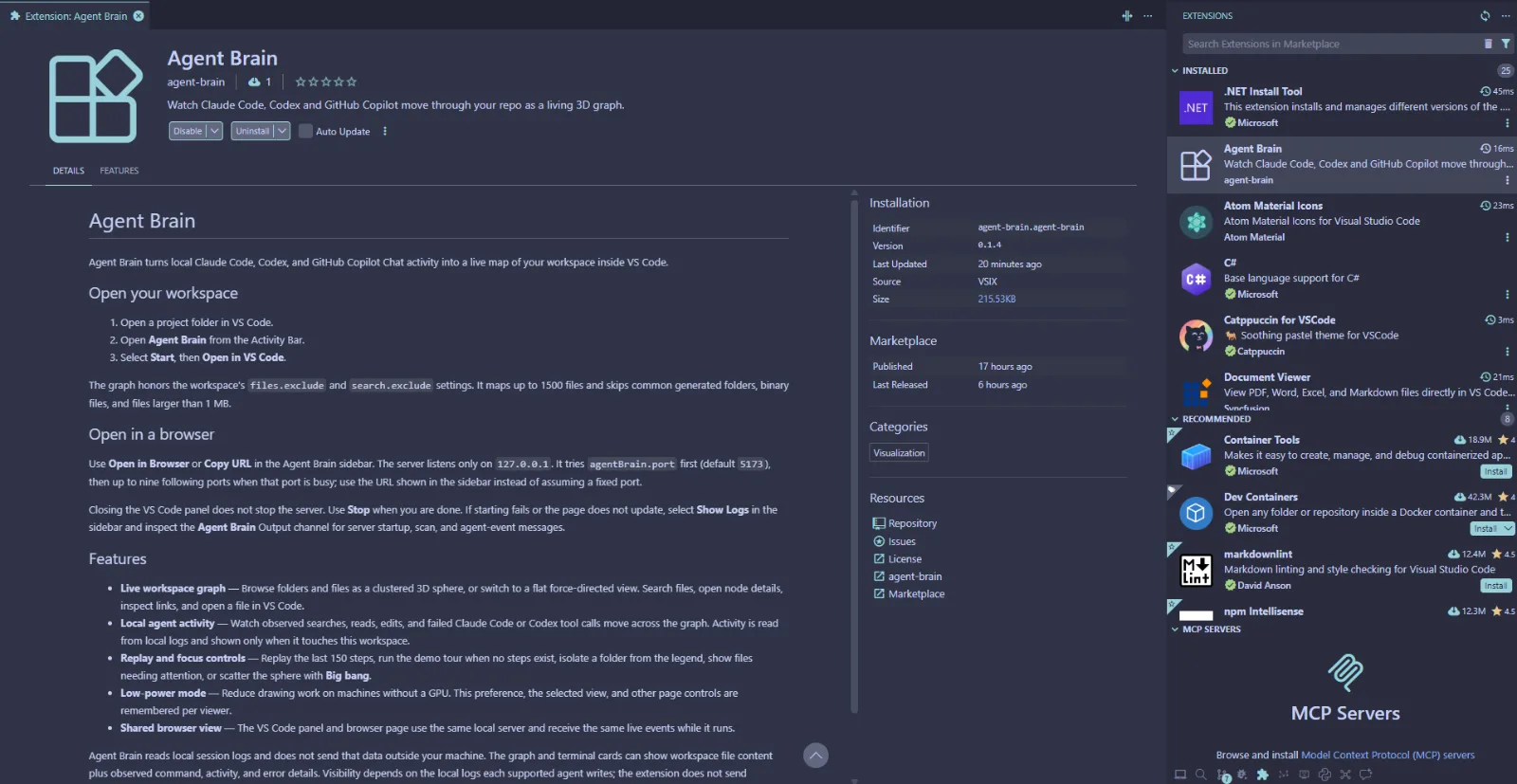
Agent Brain turns local Claude Code, Codex, and GitHub Copilot Chat activity into a live map of your workspace inside VS
README
Agent Brain
Agent Brain is a VS Code extension and local browser prototype that turns a workspace into an interactive graph. It observes local Claude Code, Codex, and GitHub Copilot Chat logs, then shows searches, reads, edits, and supported failures on that graph.
Use the browser prototype to iterate on the visualization quickly. Use the extension host when the change depends on VS Code integration, workspace excludes, or the Activity Bar controls.
Requirements
- Node.js 22 or later
- VS Code 1.90 or later for extension development
npm(bundled with Node.js)
The runtime uses plain JavaScript and has no runtime dependencies. Run npm ci in extension/ before packaging; it installs the locked development dependency used to build the VSIX.
Start a browser prototype
Clone the repository, then run the preview from its root:
git clone <repository-url>
cd agent-brain
npm run brain
This scans the current folder, starts a loopback-only server, and opens the graph in a browser. It tries http://127.0.0.1:5173/ first; when that port is busy, it uses the next available port within ten attempts. Stop it with Ctrl+C.
To choose a port and keep the browser closed while you work:
node extension/scripts/preview.mjs . --port 5300 --no-open
To create one self-contained demo file instead of a live server:
npm run brain:export
That writes agent-brain.html at the repository root. The export has the graph and demo tour only; it does not receive live agent events.
Run the VS Code extension
Open this repository root in VS Code.
Install development dependencies:
npm --prefix extension ciPress
F5and select Run Agent Brain. VS Code opens an Extension Development Host with this extension loaded.In that host, open a folder, select Agent Brain in the Activity Bar, select Start, then select Open in VS Code.
The sidebar also opens the shared loopback server in a browser. It uses the agentBrain.port setting (default 5173) and falls forward to the next nine ports if needed. Use Show Logs to open the Agent Brain output channel when startup or updates fail.
First prototype change
Start with a browser preview, then make one focused change:
- Change page structure in
extension/media/index.html, visual rules inextension/media/styles/, or a behavior module inextension/media/scripts/. - Reload the browser page. The preview rescans and renders the current files on each page load.
- Run the check below before moving to the extension host.
- If you add a page stylesheet or script, register it once in
extension/lib/page-assets.js. Script order matters.
HTML templates contain markup only. Put styles in media/styles/ and JavaScript in media/scripts/; the check rejects inline script, style, and event-handler attributes.
Where to make changes
| Goal | Start here |
|---|---|
| Build nodes and links from workspace files | extension/graph.js and extension/lib/folder-reader.js |
| Observe and parse agent activity | extension/agents.js and extension/lib/agents/ |
| Change browser server, SSE events, or port behavior | extension/server.js and extension/lib/ |
| Change VS Code commands, panel, or sidebar behavior | extension/extension.js, extension/sidebar.js, and extension/lib/session.js |
| Change graph appearance and interaction | extension/media/styles/ and extension/media/scripts/ |
| Add or update tests | extension/test/ |
The browser preview and VS Code webview share the same page assets and rendering path. Keep both working when changing page code. The extension maps the first folder in a multi-root workspace; browser preview maps the directory passed to preview.mjs.
Check, export, and package
Run the normal validation from the repository root:
npm run check
It delegates to extension/scripts/check.js, which checks JavaScript syntax, page-asset registration, template rules, manifest consistency, and the unit tests.
Create a VSIX after installing extension dependencies:
npm --prefix extension ci
npm run package:vsix
The package command runs the check first, creates extension/dist/agent-brain-<version>.vsix, then verifies the archive contents. The current manifest version is 0.1.4, so the current output is extension/dist/agent-brain-0.1.4.vsix.
Install that local artifact with:
code --install-extension extension/dist/agent-brain-0.1.4.vsix
Source, generated files, and sample data
- Author extension source under
extension/, especiallymedia/,lib/, and the top-level extension modules. agent-brain.htmlis generated bynpm run brain:export; do not edit it as source.extension/dist/contains generated VSIX artifacts.seed-*folders are ignored synthetic data for large-graph experiments. Create them withnode seed-gen.mjs; remove them withnode seed-gen.mjs --clean.projects/,areas/,resources/,journal/,index.md, andinbox.mdare sample vault content that gives the preview a graph to render.
Useful limits
The graph maps up to 1,500 text files. It skips common generated folders, binary files, and files larger than 1 MB. Agent Brain reads local session logs and does not send them off the machine, but its graph and terminal cards can display workspace file content plus observed commands, activity, and error details.
See extension/README.md for concise end-user controls and troubleshooting. See AGENTS.md for project rules that apply when changing the extension.