








Khryz
🚀 Shipped it — selfreadme is now live!
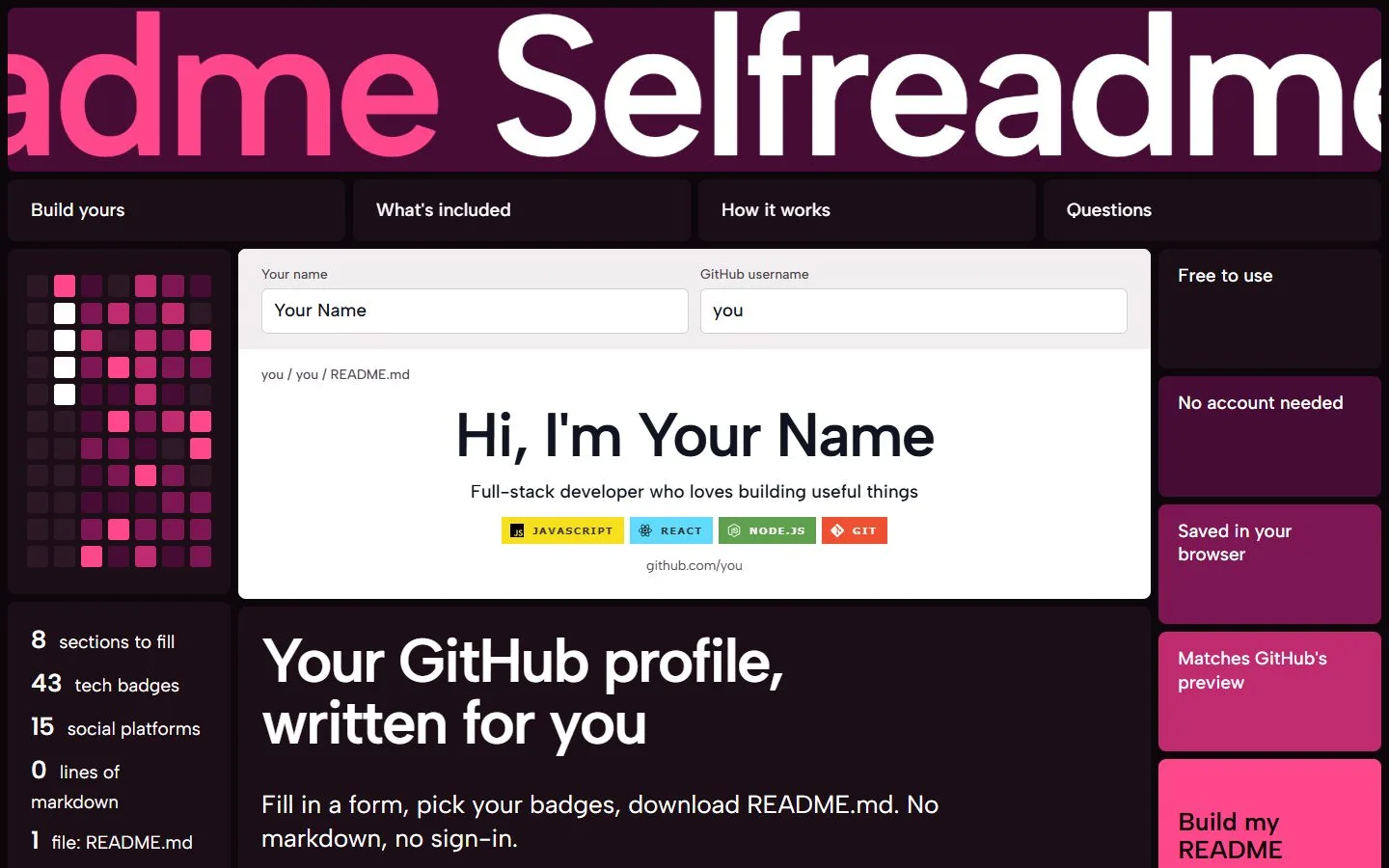
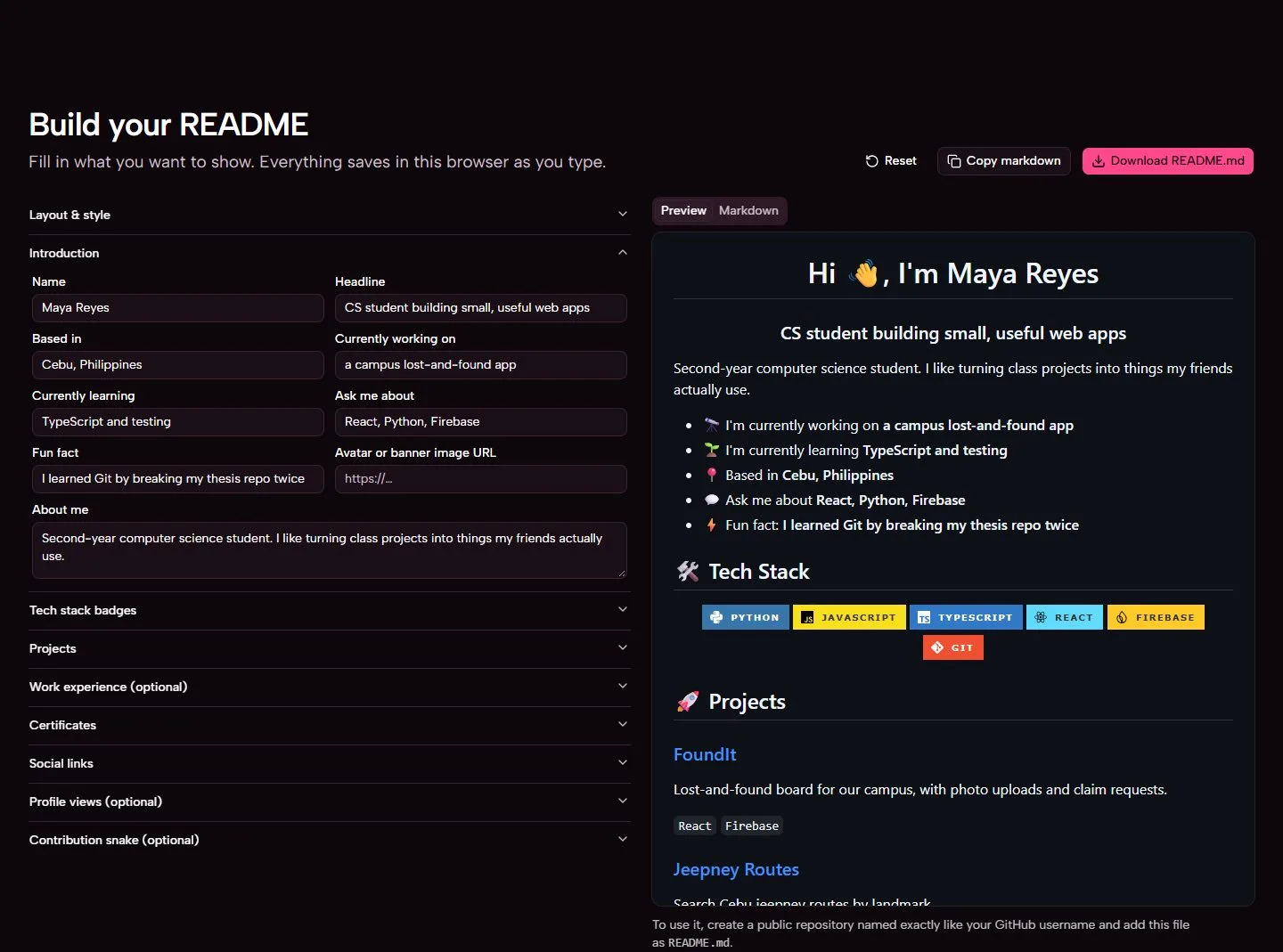
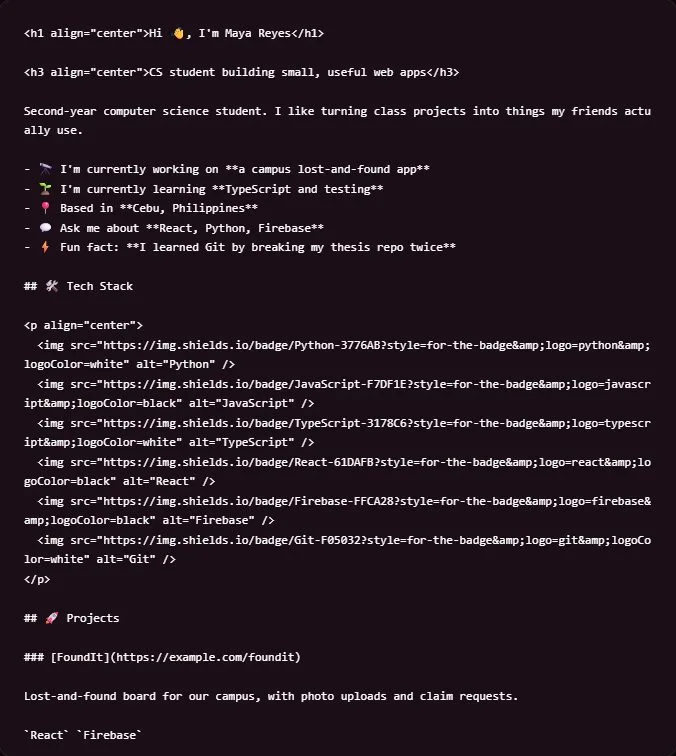
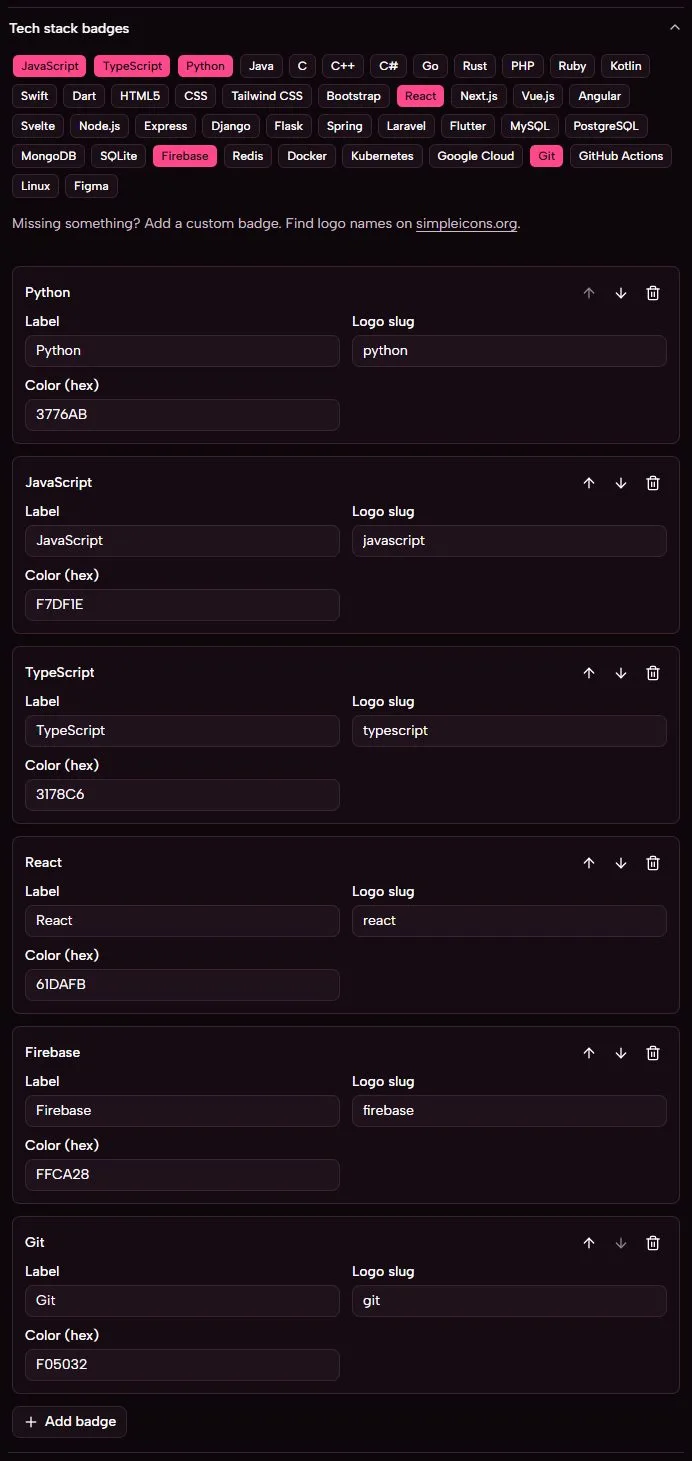
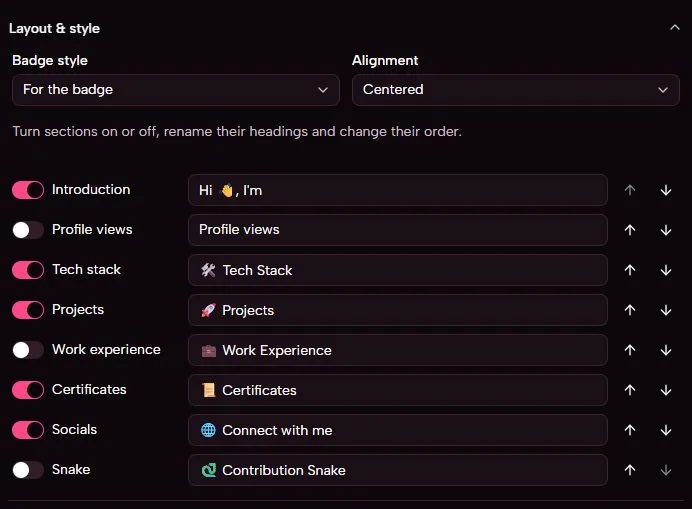
Build your GitHub profile README from a form: badges, projects, socials, a contribution snake and a views counter. No ma
Build your GitHub profile README from a form. No markdown, no sign-in.
Selfreadme turns a few fields and clicks into a finished README.md for your GitHub profile: an introduction, tech badges, projects, certificates, social links, a contribution snake and a profile views counter. You see the result as GitHub will show it, then copy or download the file.
octocat/octocat, and add the file as README.md.GitHub shows that file at the top of your profile. The user guide walks through every step, including the snake and the views counter.
You need Node.js 22.18 or newer.
git clone https://github.com/Khryz-Navarro/selfreadme.git
cd selfreadme
npm install
npm run dev
Then open the address Vite prints, usually http://localhost:5173/. The developer guide covers the scripts, the code and how deployment works.
| Guide | For |
|---|---|
| User guide | Making and publishing your profile README, step by step |
| Developer guide | Stack, project structure, the markdown generator, testing and deployment |
| FAQ | Common questions and known limits |
| Roadmap | What's planned next |
| Contributing | How to report issues and send pull requests |
React, Vite, TypeScript, Tailwind CSS and shadcn/ui. Deployed to GitHub Pages by GitHub Actions.
.agents/ and impeccable (Apache-2.0) in .claude/skills/, each with its own licence.Selfreadme is not affiliated with GitHub.
MIT © Khryz-Navarro. The bundled design skills keep their own licences.
Building a dev tool or hiring developers? Get seen here. Become our Sponsor
Khryz
Khryz
I made a readme.md file maker for github profiles because I got bored and need to build projects for my portfolio
Building a dev tool or hiring developers? Get seen here. Become our Sponsor