











Hello everyone. I'm building an open-source apache 2.0 licensed election system with Supabase. My goal is to test how to integrate SSO in the web app.
Marvin-Gregorio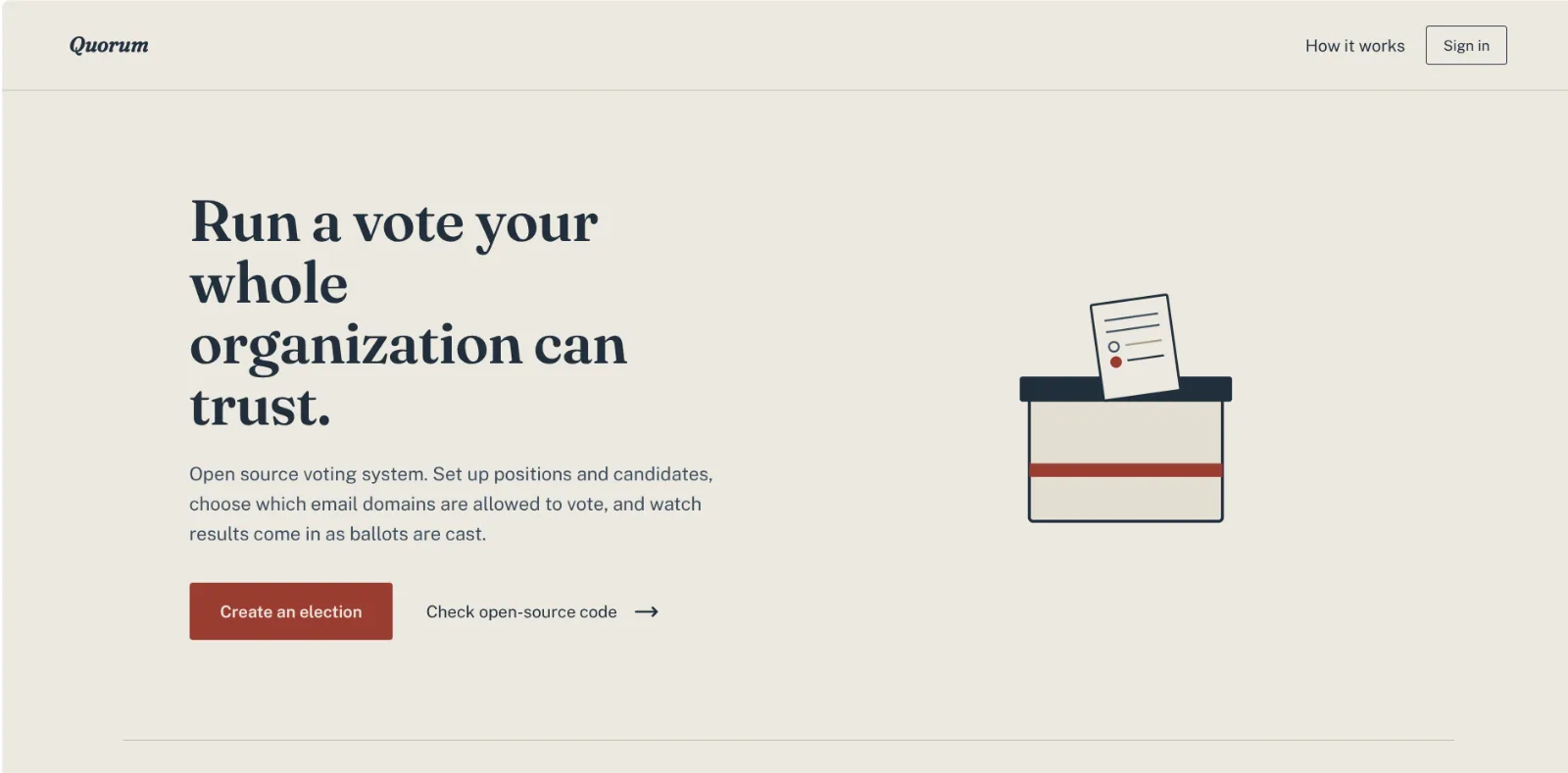
🚀
quorum
Self-service election platform built with Next.js and Supabase. Create a private ballot in minutes: Google/Microsoft sig
README
Quorum — voting system
A Next.js app (App Router) backed by Supabase (Postgres + Auth + Storage + Realtime) for running org-wide elections: positions, candidates, domain-gated private elections, live results, and RLS-enforced ballot secrecy.
See AGENTS.md for the full architecture and code conventions this project follows (RLS-first authorization, Server Actions, Tailwind usage, etc.) — read it before opening a PR.
Requirements
- Node.js >= 22 (enforced via
package.json'senginesfield).@supabase/supabase-js's realtime client specifically depends on APIs only available from Node 22 onward, which is what the test suites (test:rls,test:e2e) need it for. Ifnode -vreports something older, install Node 22+ (e.g. vianvmor Homebrew). - The Supabase CLI (
npx supabase, no separate install needed) and Docker, for running a local Supabase stack.
Setup
Clone the repo and install dependencies:
npm installCopy the environment example file and fill in your Supabase project's credentials:
cp .env.local.example .env.localNEXT_PUBLIC_SUPABASE_URLandNEXT_PUBLIC_SUPABASE_ANON_KEYcome from your Supabase project settings (or fromnpx supabase statusif you're running the stack locally — see below).Sign-in is OAuth-only (Google and Microsoft) — there's no password login, so you need your own OAuth app credentials even for local development:
- Google: create an OAuth client in the
Google Cloud Console,
then set
GOOGLE_CLIENT_ID/GOOGLE_SECRETin.env.local. - Microsoft: register an app in
Azure AD,
then set
AZURE_CLIENT_ID/AZURE_SECRETin.env.local.
Both are read by
supabase/config.toml's[auth.external.google]/[auth.external.azure]blocks automatically — no other config needed. The redirect URI to register with each provider ishttp://localhost:54321/auth/v1/callbackfor local development (Supabase Auth's own callback, not the app's/auth/callbackroute).- Google: create an OAuth client in the
Google Cloud Console,
then set
Run a local Supabase stack (recommended for development), or link to a hosted project instead:
npx supabase startThis starts Postgres, Auth, Storage, and Realtime locally via Docker and prints the local API URL and keys to use in
.env.local. Alternatively, runnpx supabase linkto point at a hosted Supabase project.Apply database migrations:
npx supabase migration up --local(Drop
--localif you're migrating a linked hosted project instead.)Start the dev server:
npm run devOpen http://localhost:3000.
Rate limiting on election creation, voting, and public results polling uses
Upstash Redis — optional for local development
(it no-ops without credentials) but required in production. Set
UPSTASH_REDIS_REST_URL/UPSTASH_REDIS_REST_TOKEN in .env.local if you
want to exercise it locally.
Tests
npm run test:unit— unit tests (tests/unit), no external services required.npm run test:rls— RLS/integration tests (tests/rls) against a real local Supabase stack. Just runnpx supabase startfirst — the env vars these tests need (SUPABASE_URL,SUPABASE_ANON_KEY,SUPABASE_SERVICE_ROLE_KEY) are populated automatically fromsupabase statusby tests/rls/global-setup.ts, no manual setup required. Needs Node >= 22 (see Requirements above).npm run test:e2e— Playwright end-to-end tests (tests/e2e). Also needs a running local Supabase stack and Node >= 22.
Before opening a PR
Run the same checks CI runs (.github/workflows/ci.yml):
npm run lint
npm run test:unit
npm run test:rls
npm run build
See CONTRIBUTING.md for the full contribution process.
Releases
Versioning is managed with Changesets
and is on-demand, not automatic: a bot keeps a "Version Packages" PR up to
date on main as changesets accumulate, and merging that PR is the one
manual step that cuts a release — a git tag and GitHub Release are then
created automatically
(.github/workflows/release.yml).