AdminDashboardServerApp
This Project was used for Local Server Interface with the Website Link from the Local Server (Ubuntu Server)
README
Admin Dashboard Server
A simple local server administration dashboard built with VB.NET WinForms.
The application provides a convenient interface for accessing and managing web-based services running on a local server or network.
Features
- Add local server websites and services
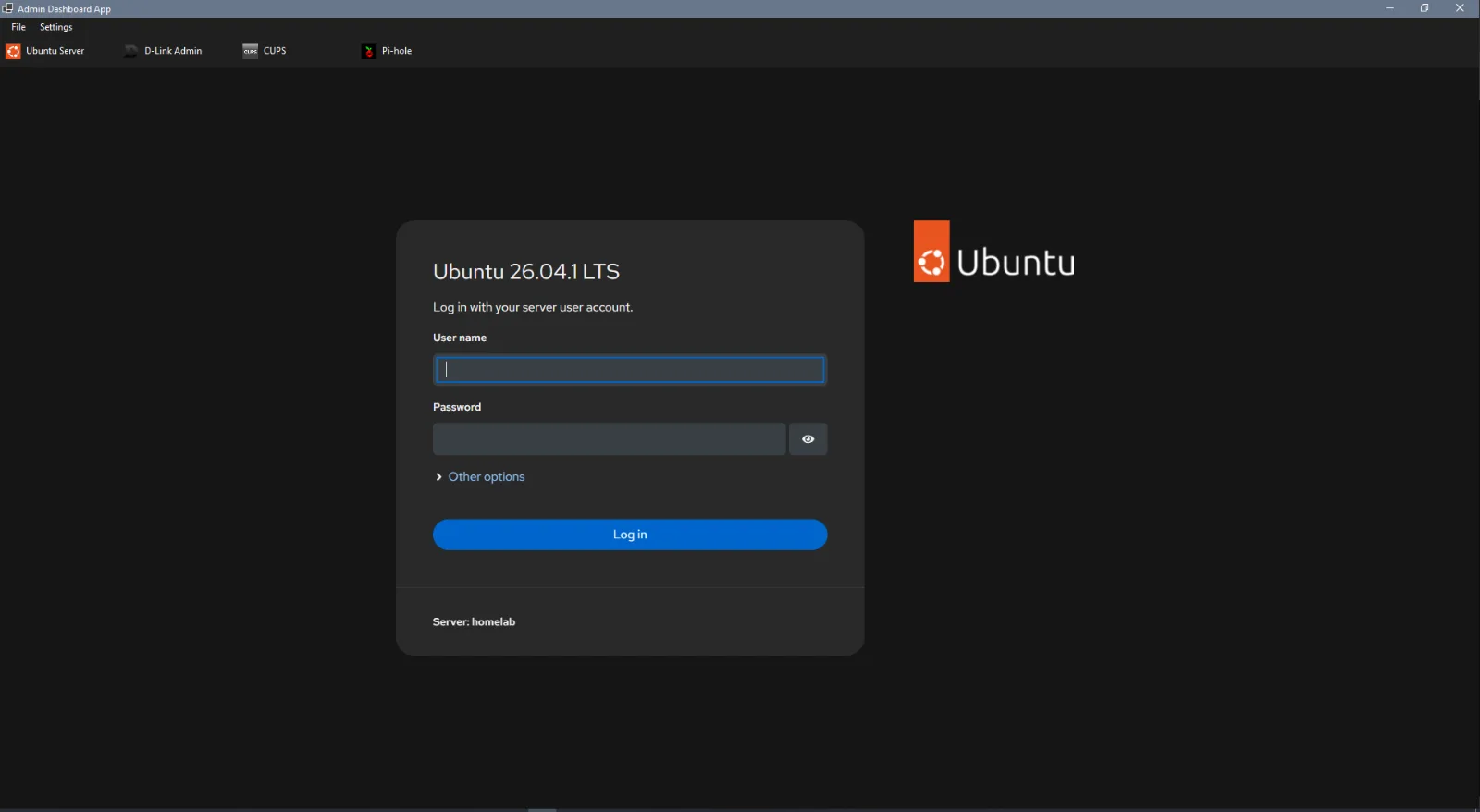
- Access web dashboards through WebView2
- Website navigation buttons
- Drag and reorder services
- Automatic favicon loading
- Light, dark, and system themes
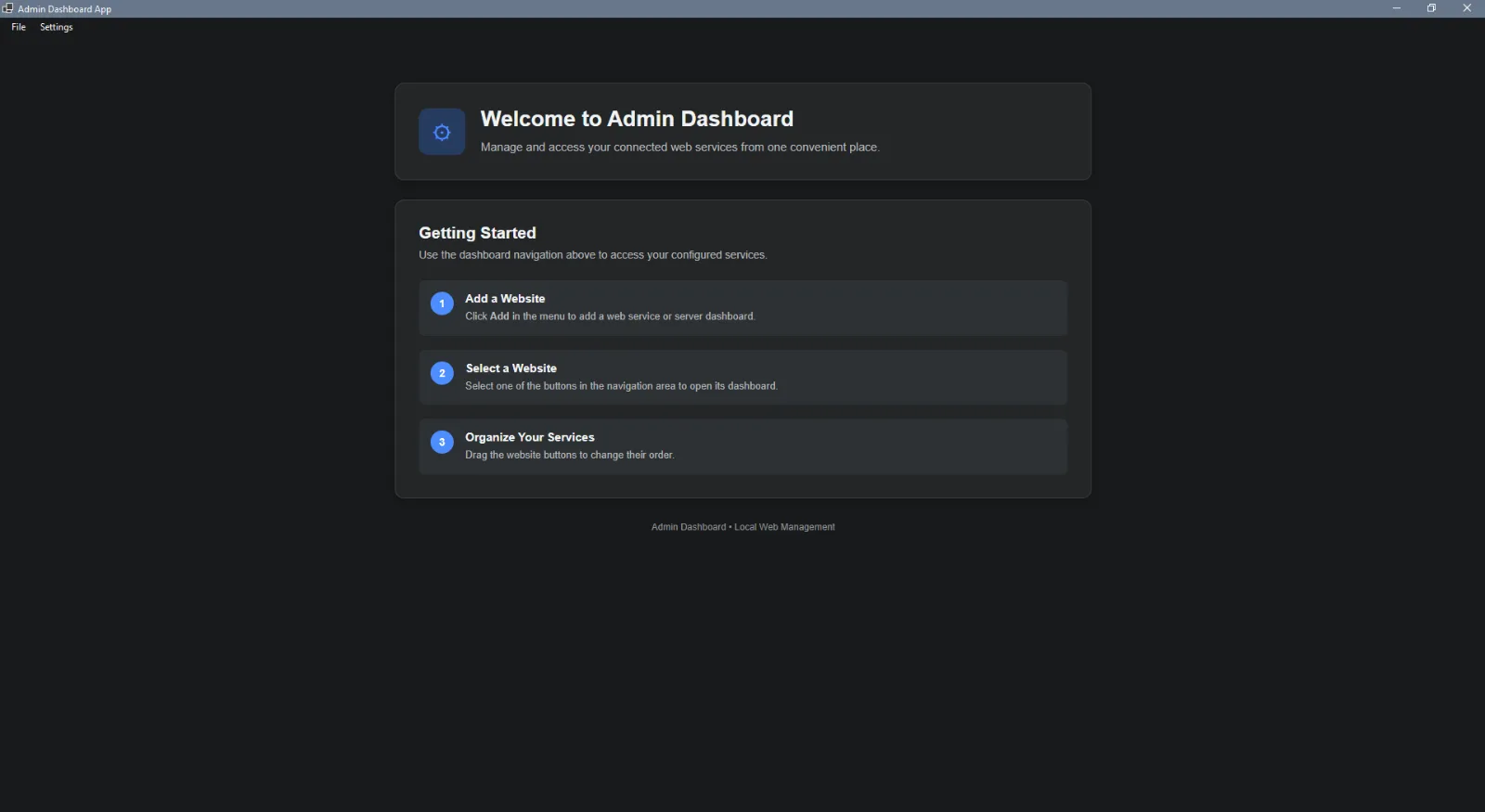
- Local default dashboard page
- Simple settings interface
- Designed for local network/server use
Requirements
- Windows 10 or Windows 11
- .NET Desktop Runtime / SDK compatible with the project
- Microsoft WebView2 Runtime
- Network access to the local server services
Usage
- Start the Admin Dashboard application.
- Click Add to add a server website or service.
- Enter the service name and URL.
- Select the service from the navigation buttons.
- Drag the buttons to change their order.
- Use Settings to configure the dashboard.
Example URLs:
http://192.168.1.100:8080 http://192.168.1.100:3000 https://192.168.1.100:8443
Local Server
This application is intended to work with services hosted on a local server, such as:
- Portainer
- Cockpit
- Pi-hole
- CUPS
- Open WebUI
- Grafana
- Other web-based server applications
The dashboard does not host these services itself. It provides a central interface for accessing them.
Project Structure
AdminDashboard/ │ ├── Default Web/ │ ├── index.html │ └── index.css │ ├── Forms/ │ ├── maindashboard.vb │ └── SettingsForm.vb │ ├── Modules/ │ └── DefaultWebModule.vb │ ├── README.md └── AdminDashboard.sln
Security
This application is intended primarily for trusted local networks.
Only add services and URLs that you trust.
If a local HTTPS service uses a self-signed certificate, the application may allow the certificate for the configured service so that the WebView can access it.
Do not expose the dashboard or its services directly to the public Internet without appropriate security measures.
Still Under-Development Project
Development
The project is developed using:
- Visual Basic .NET
- Windows Forms
- Microsoft WebView2
- HTML / CSS for the local dashboard page
Journey
No updates yet.