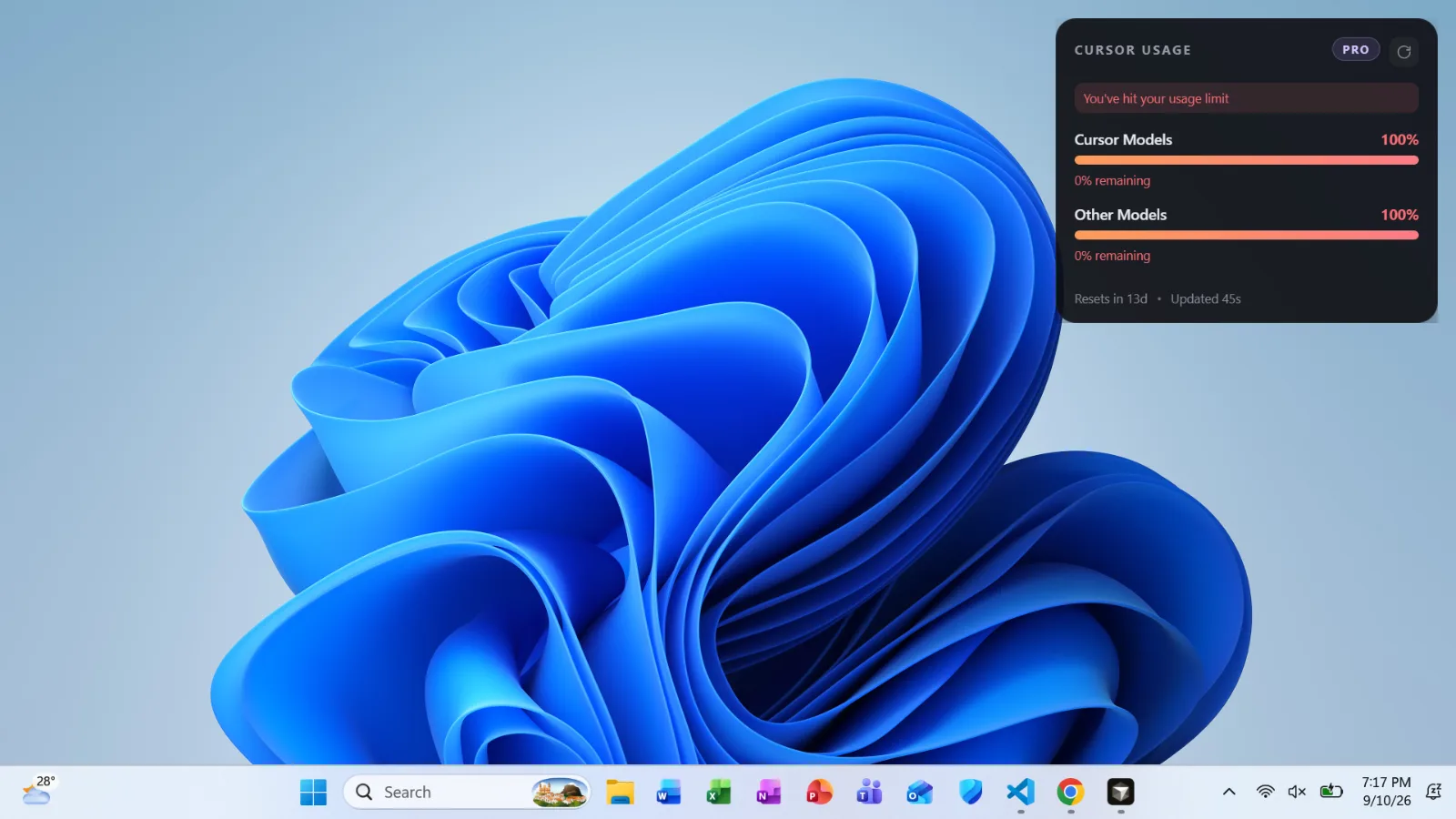







Features
Live Pro data — reads your local Cursor session and the official usage API
Always on top — stays visible over Cursor and other apps
Drag & remember — move it; position persists across launches
Auto refresh — polls every 45 seconds (manual refresh in the header / tray)
System tray — hide/show, open spending dashboard, start with Windows, quit
Limit banner — surfaces “You’ve hit your usage limit” when either pool is maxed
Close (×) — quits the overlay app entirely (same as tray → Quit)