ID Photo Maker
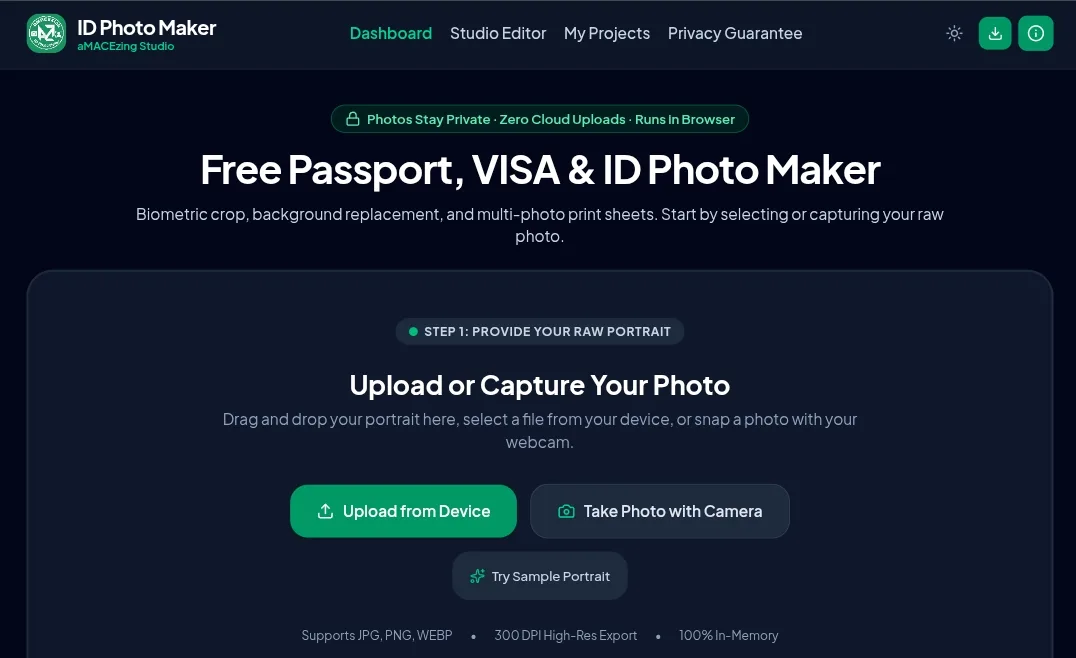
Free passport, visa & ID photo maker that runs entirely in your browser.
🔗 Live app: https://rmrkweb.github.io/id-photo-maker/
Make photos that meet official size and background requirements, then print them on a ready-to-cut sheet. Your photos are processed on your own device and are never uploaded.
Features
- Official size presets for passports, visas and IDs, including the Philippines, United States, United Kingdom, European Union (Schengen), Canada, Australia, New Zealand, India, Nepal, Singapore, Japan, China and the UAE.
- Custom sizes in inches, mm, cm or pixels at 150, 300 or 600 DPI.
- Head and eye alignment guides (crown, eye and chin lines, head oval) with pan, zoom, rotate and flip.
- Background removal and replacement: auto cutout, color eyedropper, manual erase and restore brushes, and standard background colors (white, off-white, light blue, royal blue, red, grays) or transparent PNG.
- Portrait adjustments: brightness, contrast, saturation, exposure, warmth and sharpness, with a press-and-hold before/after comparison.
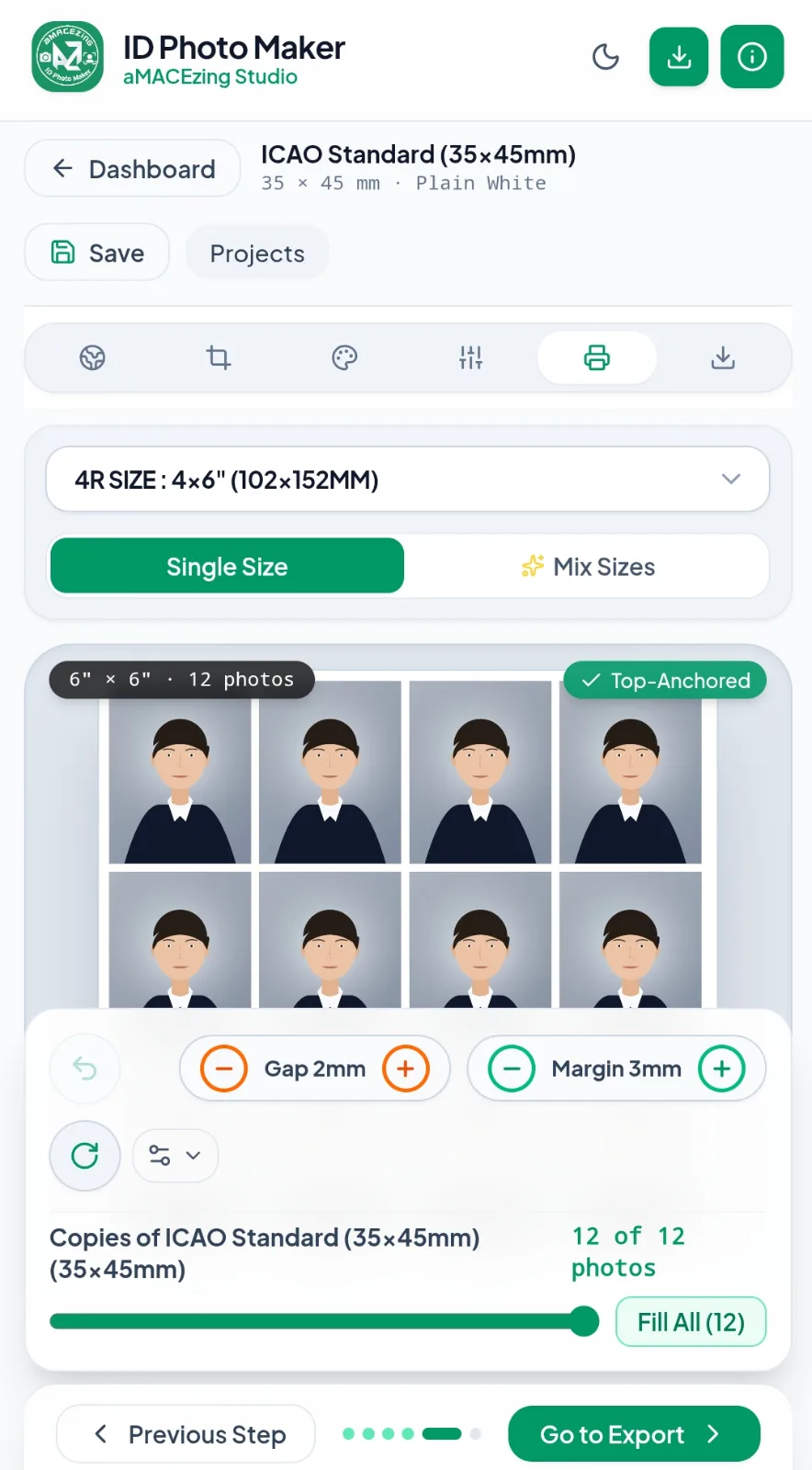
- Print sheets in 4R, 3R, 5R, 6R, A4, US Letter or a custom paper size, with automatic photo packing, adjustable margins and spacing, and cutting guides.
- Export as JPEG or PNG, or as a print-ready PDF at exact physical size.
- Saved projects stored locally in your browser, so you can come back to them later.
- Installable and offline-capable as a Progressive Web App on desktop, Android and iOS.
How to use
- Open the live app.
- Upload a photo or take one with your camera.
- Pick a country and document preset, or set a custom size.
- Align your face with the guides, then replace the background and adjust lighting if needed.
- Download the single photo, or build a print sheet and export it as an image or PDF.
To install it as an app, use the Install App button in the top bar (on iPhone and iPad: Share → Add to Home Screen).
Privacy
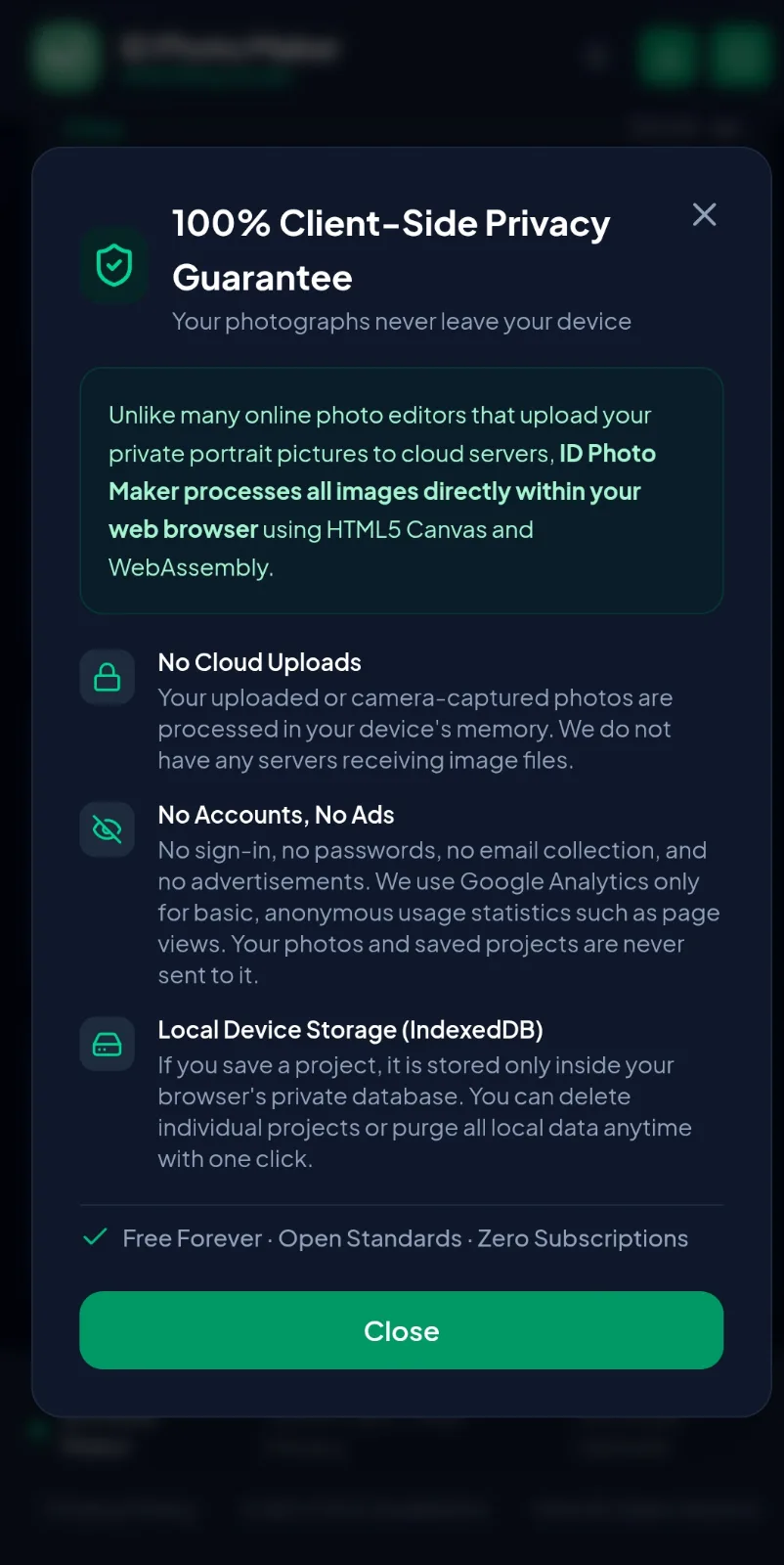
- Photos are processed in your browser. They are not uploaded to any server.
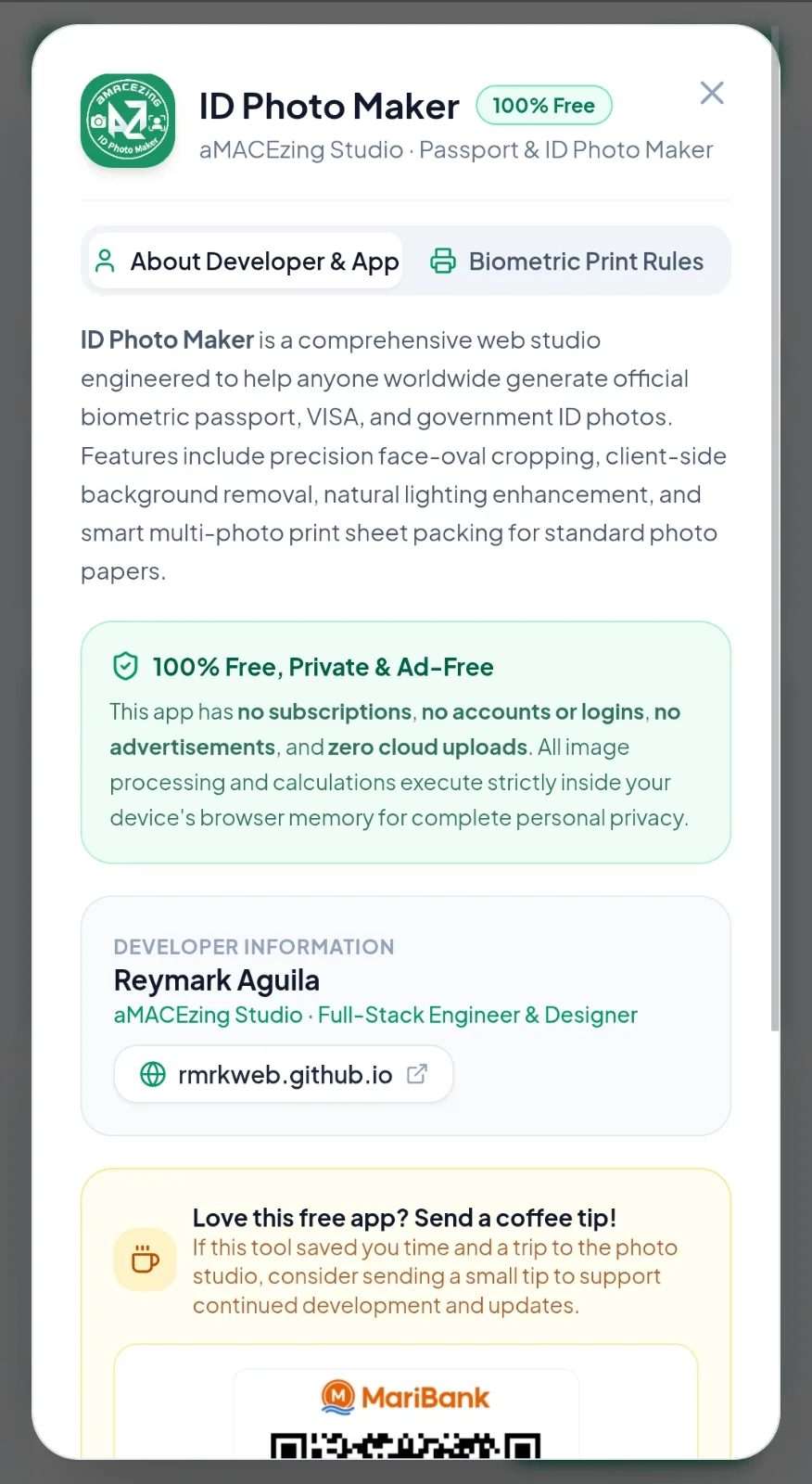
- No accounts, no sign-in and no advertisements.
- Saved projects stay in your browser's local storage, and you can delete them at any time.
- The site uses Google Analytics for basic, anonymous usage statistics such as page views. Your photos and projects are never sent to it.
Presets disclaimer
Presets follow commonly published requirements, but rules change and individual agencies can differ. Always check the current requirements of the issuing authority before submitting a photo.
Feedback
Found a wrong preset or a bug? Please open an issue.