MLRCO
Records the information
Early Access: this app is still being built, so some things may not work as expected yet.
README
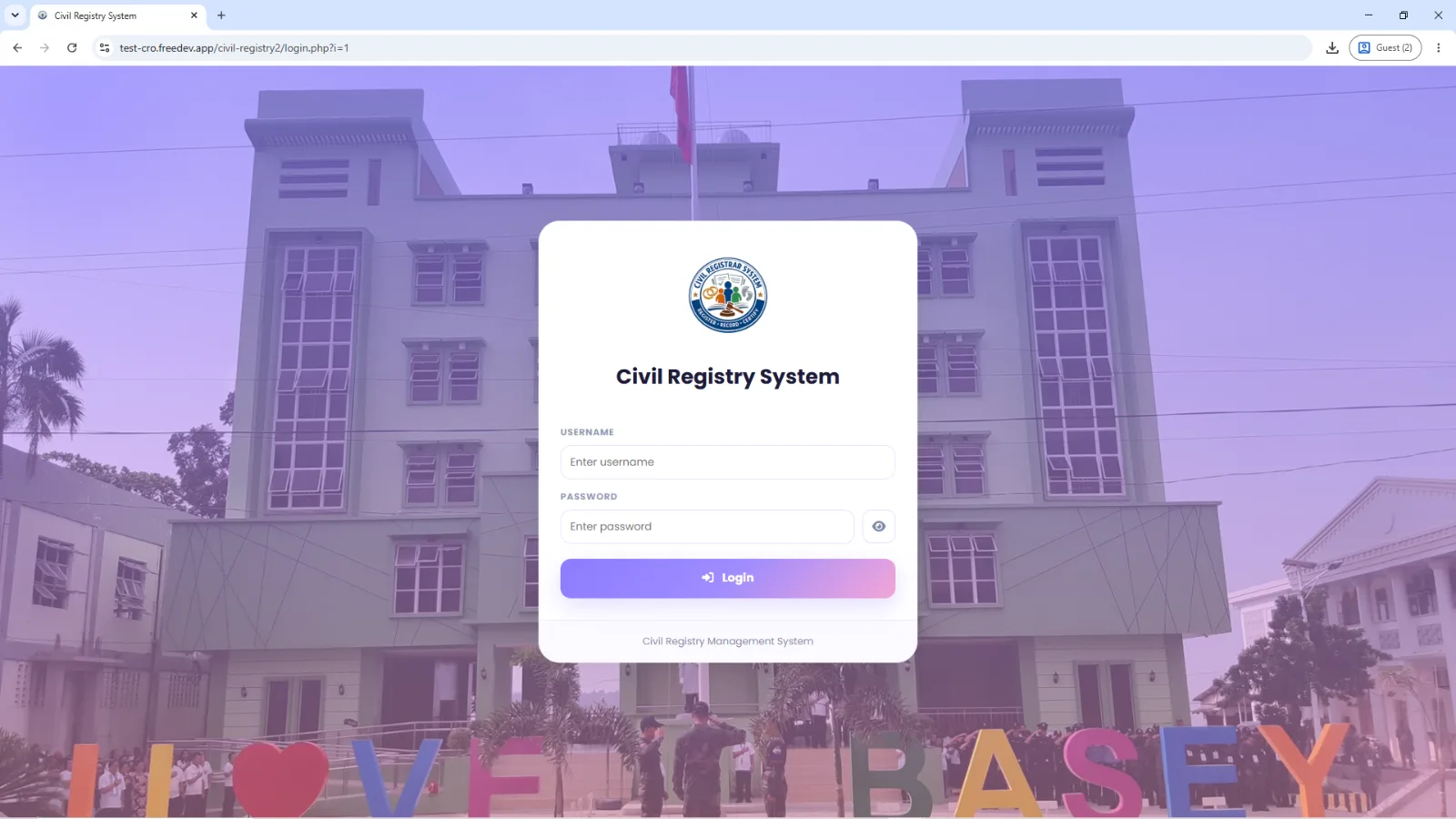
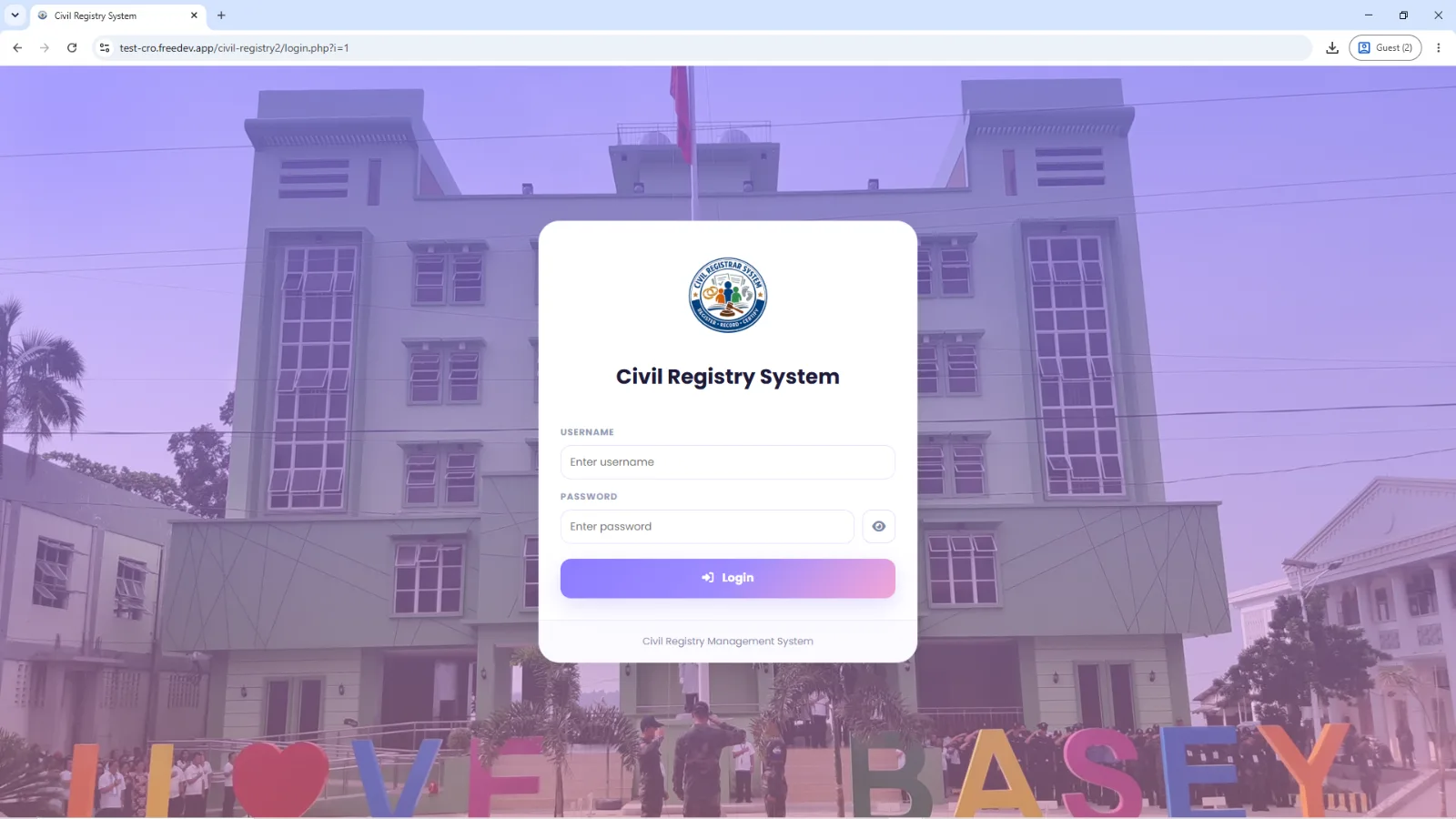
Civil Registry Management System
A web-based Civil Registry Management System developed to help organize and manage birth, marriage, and death records in a municipal civil registry office.
Project type: Web-based information management system
Role: Student developer / OJT project contributor
Core technologies: PHP, MySQL/MariaDB, Bootstrap, JavaScript
Overview
The system provides a centralized interface for authorized users to manage civil registry records, search information, generate reports, and prepare documents for printing. It was developed with role-based access and separate workflows for administrators, encoders, and staff.
Key Features
- Role-based authentication for administrators, encoders, and staff.
- Civil registry modules for birth, marriage, and death records.
- Record search and management to help users find and maintain records.
- CSV import and export for supported record workflows.
- Reports and quarterly accomplishment monitoring.
- Document generation and printing using PHPWord templates.
- Printing history to track document-printing transactions.
- Module permissions to control which record types an encoder can access.
- Database-backed record storage using MySQL/MariaDB.
Technology Stack
Area Technologies
Backend PHP Database MySQL / MariaDB Local development XAMPP Frontend HTML, CSS, JavaScript, Bootstrap Charts and icons Chart.js, Font Awesome Document generation PHPWord
User Roles
- Administrator: Manages system access, settings, and overall records.
- Encoder: Works with the registry modules assigned to their account.
- Staff: Uses permitted staff-facing functions, including record searches.
Actual permissions depend on the account configuration in the application.
How It Works
- An authorized user signs in.
- The system checks the user's role and module permissions.
- The user opens the permitted registry module and searches for or manages records.
- Records are stored in the database.
- Authorized users generate reports or prepare documents using the available templates.
- Printing transactions can be recorded in the system's printing history.
My Development Experience
Working on this system helped me practice:
- PHP application development and database integration.
- CRUD workflows and record-search functionality.
- Role-based access control.
- Report generation and document templating.
- Debugging, testing, and improving an existing web application.
- Translating office workflows into software features.
Setup
This repository's exact setup depends on the source code and included dependencies. For a typical local PHP/MySQL setup:
- Install a compatible local PHP/MySQL environment such as XAMPP.
- Place the project in the web server's document root.
- Create the project database in MySQL/MariaDB.
- Import the database schema or SQL backup supplied separately by the project owner.
- Configure the database connection using your local credentials.
- Install Composer dependencies if the project uses Composer and the dependency files are included.
- Start Apache and MySQL, then open the project through the local server.
Important: Do not commit database passwords, production credentials, personal civil registry information, private records, or real user data to GitHub.
Project Status
Developed as part of practical experience with a civil registry workflow. Feature availability may vary by version.
Notes
This README describes the project at a high level. Update the setup instructions to match the actual repository files before making the repository public.
Journey
No updates yet.